Getting booked
How to reduce no-shows: 7 fixes that work
Seven simple ways to cut no-shows, from taking payment at booking to easy rescheduling, so the time you set aside gets used and paid for.
The BreezeBook team4 min read
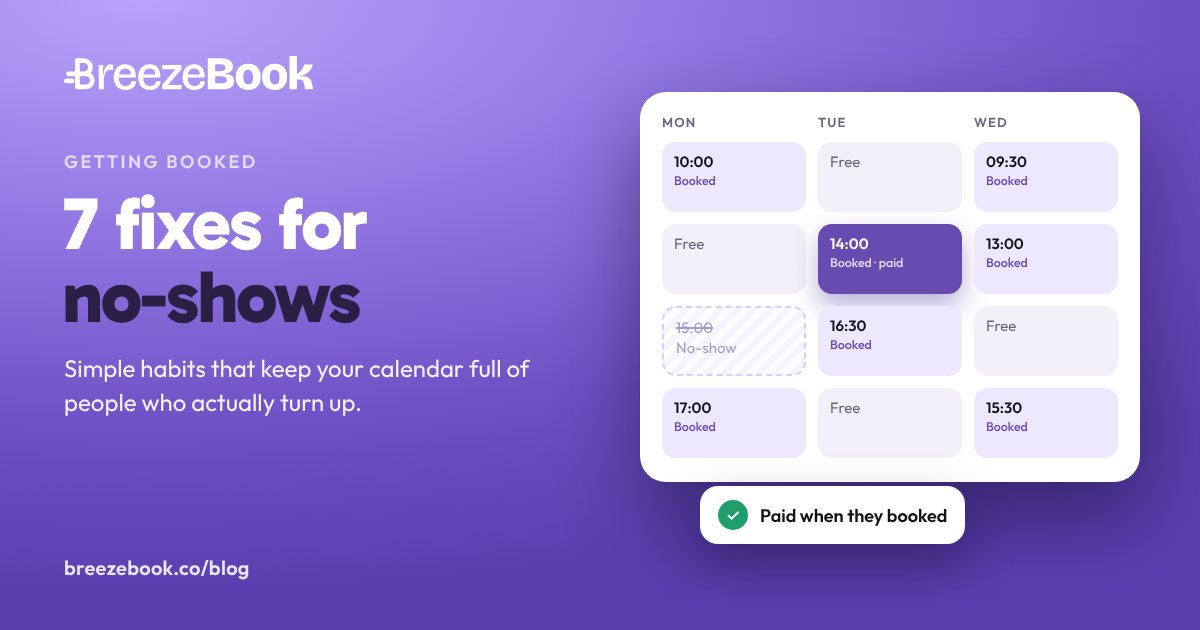
An empty slot at 2pm is time you can't sell again. You kept it free, maybe turned someone else away, and got nothing for it.
No-shows rarely have a single cause. Some clients forget. Some meant to cancel and never did. Some booked on a whim and never felt committed. Each cause has its own fix, and most of these take less than an hour to set up.
1. Take payment when they book
A booking that's already paid for is one people plan their day around. Paying turns "I might go" into "I'm going".
You don't have to charge the full price if that doesn't suit your work:
- Full payment at booking is simplest for short, fixed-price services.
- A deposit (part now, the rest later) suits longer or higher-priced work. Pick an amount that covers your time if they don't turn up.

Clients can pay by card when they book, on every plan, and the money goes straight to your bank. On Pro, you can also take just part of the price when they book and the rest later, or split it into a payment plan.
2. Have a clear cancellation policy, and use it
A policy only works if clients see it before they book, and if you apply it the same way every time. Keep it short. It should answer four questions:
- How much notice do you need to cancel or change an appointment?
- What happens if someone cancels late?
- What happens if someone doesn't turn up at all?
- How do they cancel or reschedule?
If you charge for late cancellations, say how much as a share of the price, so the rule works for every service you offer.
Clients see your policy before they pay, and again on their confirmation. If they cancel online too late, BreezeBook keeps your late-cancellation fee from what they paid and refunds the rest, automatically. If they don't turn up, mark the booking as a no-show and your no-show fee is charged in one tap.
3. Send reminders before the day
Often a no-show is someone who simply forgot. A reminder a day or two before, and another closer to the time, gives them the chance to turn up, or to tell you early enough that you can fill the slot.
A reminder that works includes:
- The date, time and place, in plain words
- Anything they need to bring or do beforehand
- An easy way to ask for a new time, so changing plans is simpler than not showing up
Lite & ProTwo reminders go out automatically before each appointment. You choose when each one is sent, from an hour to a week before, and what it says.
4. Make changing plans easier than not turning up
If moving an appointment means calling you during working hours, some clients won't bother. They'll just not come. When someone tells you their plans have changed, offer a new time straight away instead of losing the visit.
You offer the new time, your client approves it, and any difference in price is settled at the same time. Clients with an account can also book again by themselves.
5. Only show times you can really keep
A slot you can't actually make leads to last-minute changes, and last-minute changes are where appointments get lost. Keep one calendar that's always right:
- Block out personal time and holidays as soon as you know about them.
- Leave buffer time between appointments, so one running over doesn't make you late for the next.
- Connect the calendar you already use, so a doctor's appointment or dinner with friends blocks out booking times automatically.
Clients only see times you're free. It syncs both ways with Google Calendar and handles buffers, blocked time and holidays. Times always show in the client's own time zone, which avoids mix-ups for online sessions.
6. Send the details that stop people getting lost or late
Some no-shows are really "couldn't find it" or "didn't know what to bring". Put the practical details in the booking confirmation:
- The exact address, plus where to park or which entrance to use
- The video link, for online sessions
- How long the appointment takes
- What to bring, wear or prepare
- What to do if they're running late
Online appointments get a Google Meet link automatically. If you need information from clients in advance, intake questionnaires (on Pro) collect it when they book.
7. Notice the pattern, and talk to repeat no-shows
Keep a short note of who misses appointments. If it's the same client again and again, a friendly, direct message usually fixes it:
Message you can copy
I've had to keep your time free twice now without you coming in. From your next booking, I'll need payment when you book.
Then apply your policy, the same way you would for anyone else.
If lots of different clients miss the same time of day or the same service, look at the slot itself. Is it very early, very late, or booked so far ahead that people forget? Small changes to when you offer it can help.
Your client list keeps private notes on each client, so the history is there the next time they book.
Where to start: if you do one thing this week, take payment at booking. If you do two, add a clear cancellation policy. Reminders and easy rescheduling take care of most of what's left.
BreezeBook puts these together in one booking link: clients book a time you're free, pay, see your policy and get their confirmation in one go.
Set up your booking page free